Seasonal & Gifts30% off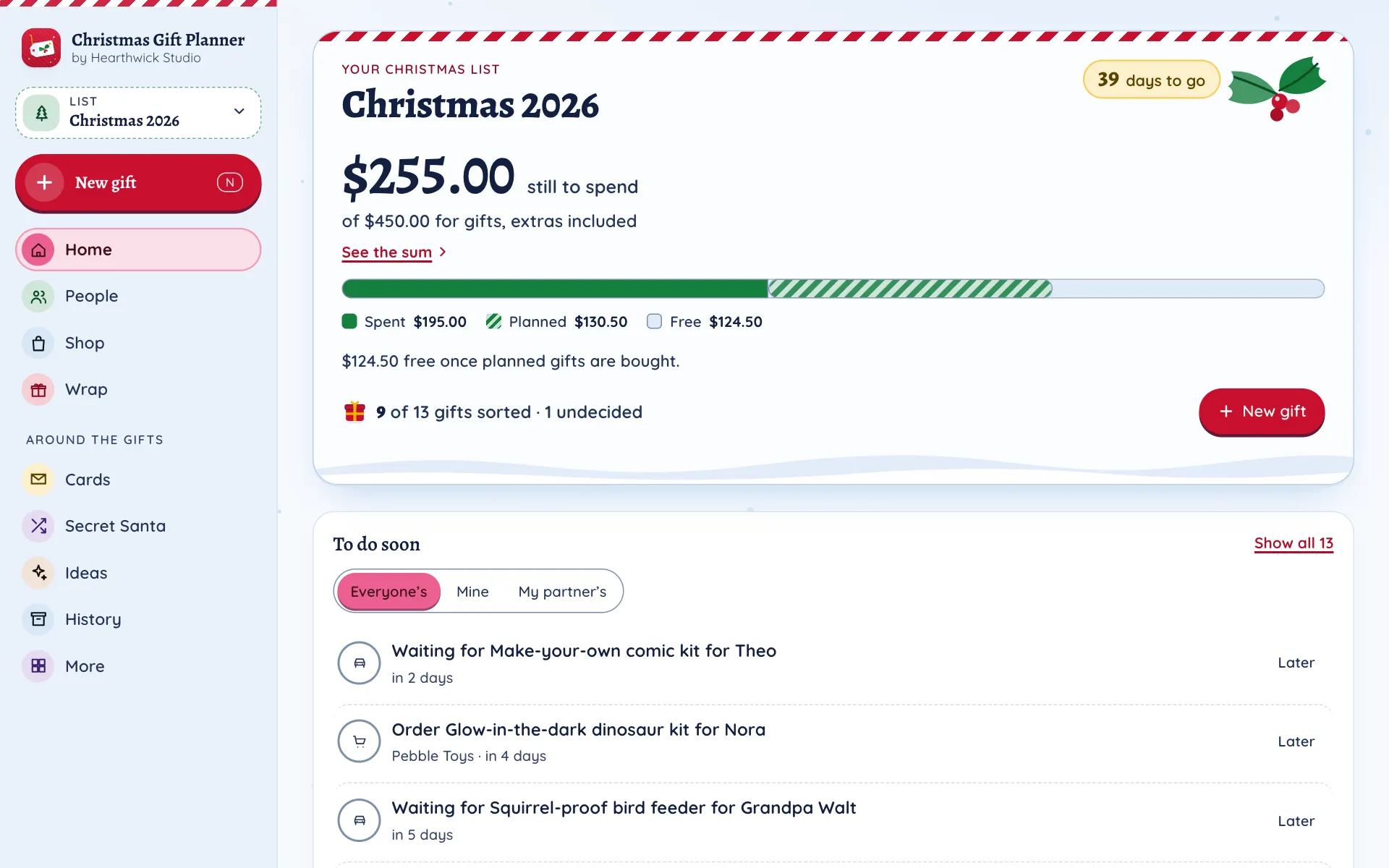
Christmas Gift Planner
Keep your gift list, wish lists, Christmas budget and Secret Santa draw in one place.
- Gift and wish list tracking
- Christmas budget
- Secret Santa draw
$9.09$12.99USD
Final price shown at Etsy checkout Larkday Studio
Open a planner in your browser and try it for yourself. Your entries stay on your device. You do not need an account, a subscription or a bank connection.
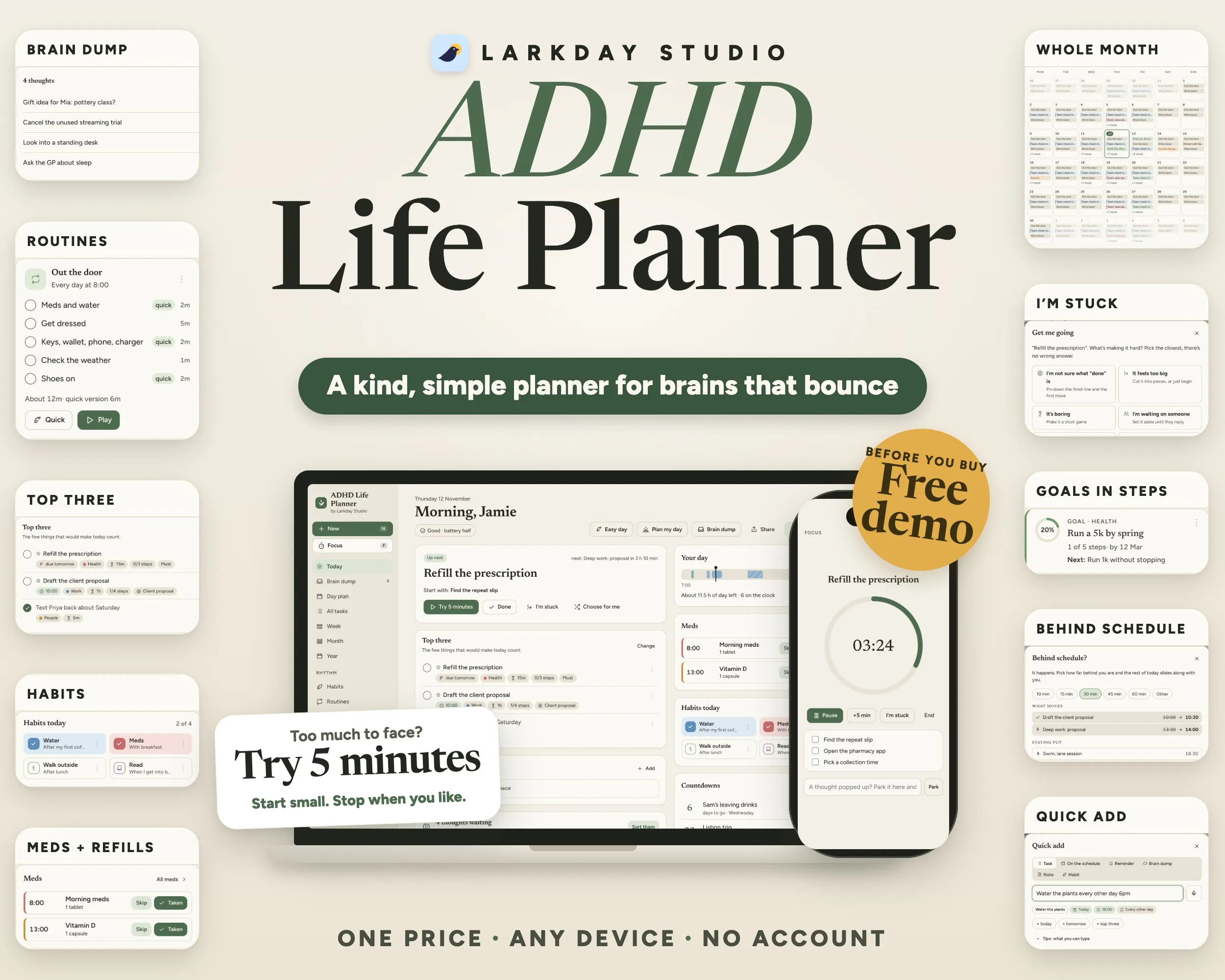
Open any demo and use it for a few minutes. You can try the real screens before you decide to buy.
Choose one to tryKeep your gift list, wish lists, Christmas budget and Secret Santa draw in one place.
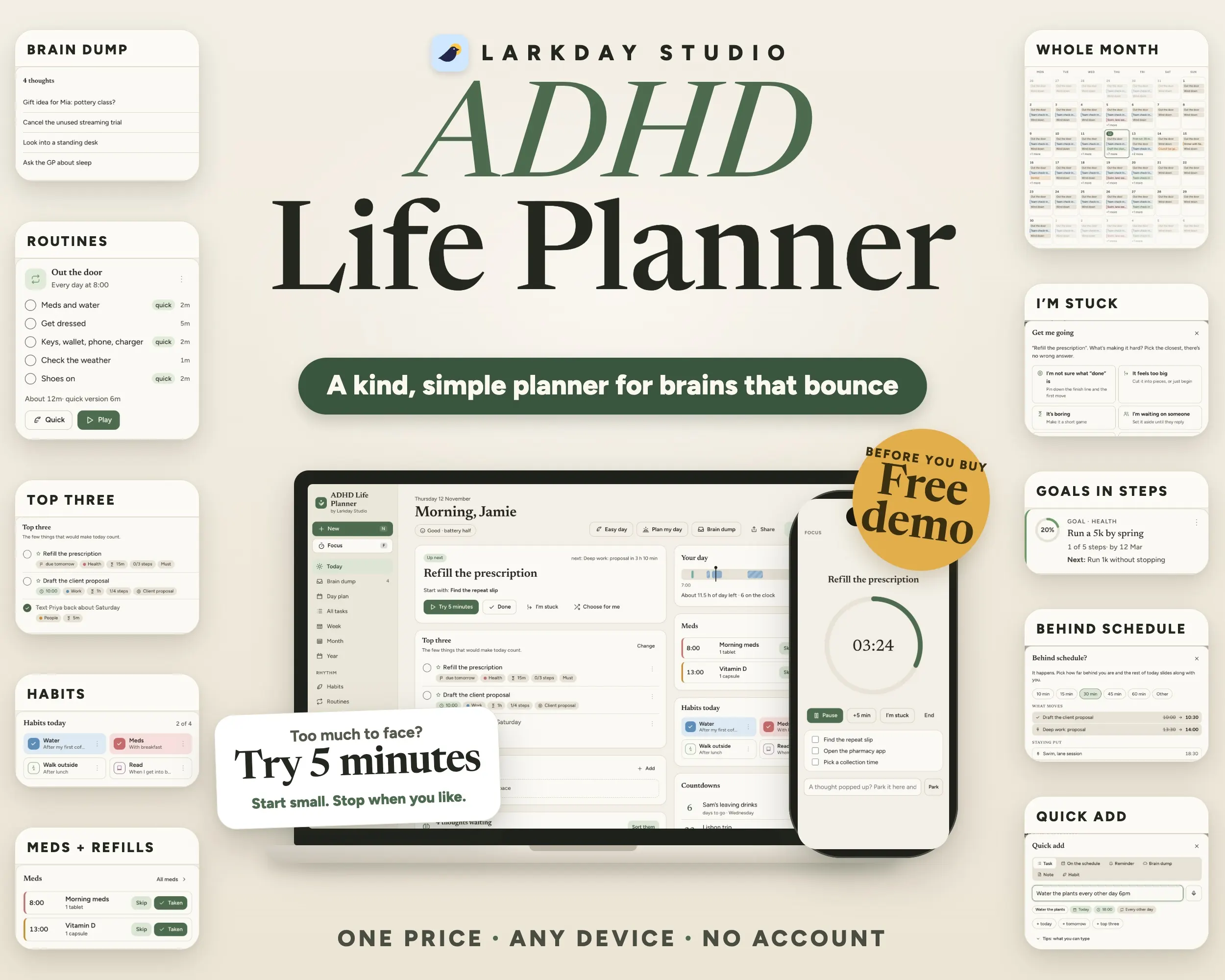
Plan today, write down loose thoughts, set routines and keep track of reminders, habits and medication.
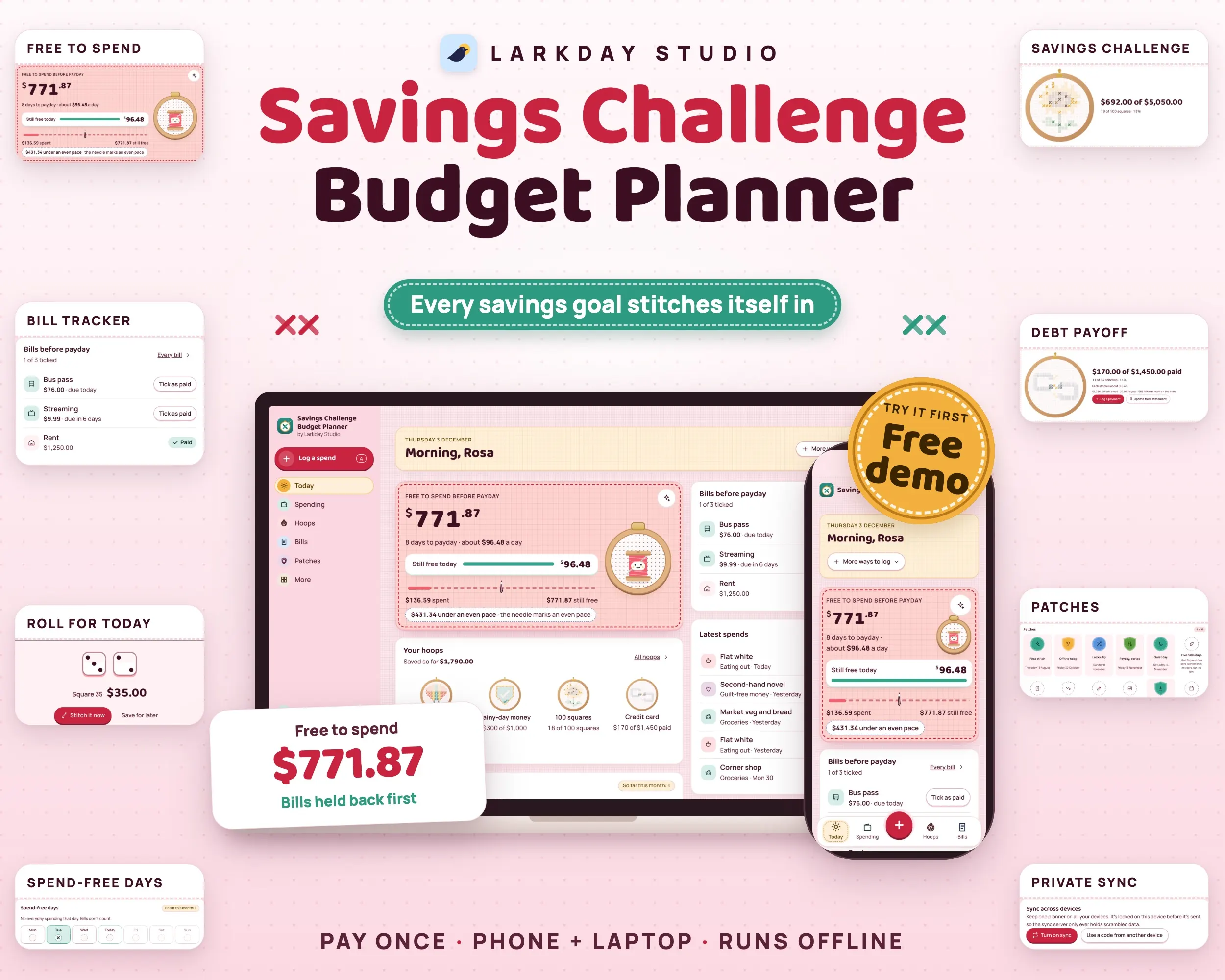
Choose a savings challenge, add money to a goal and watch a stitched picture fill as you save.
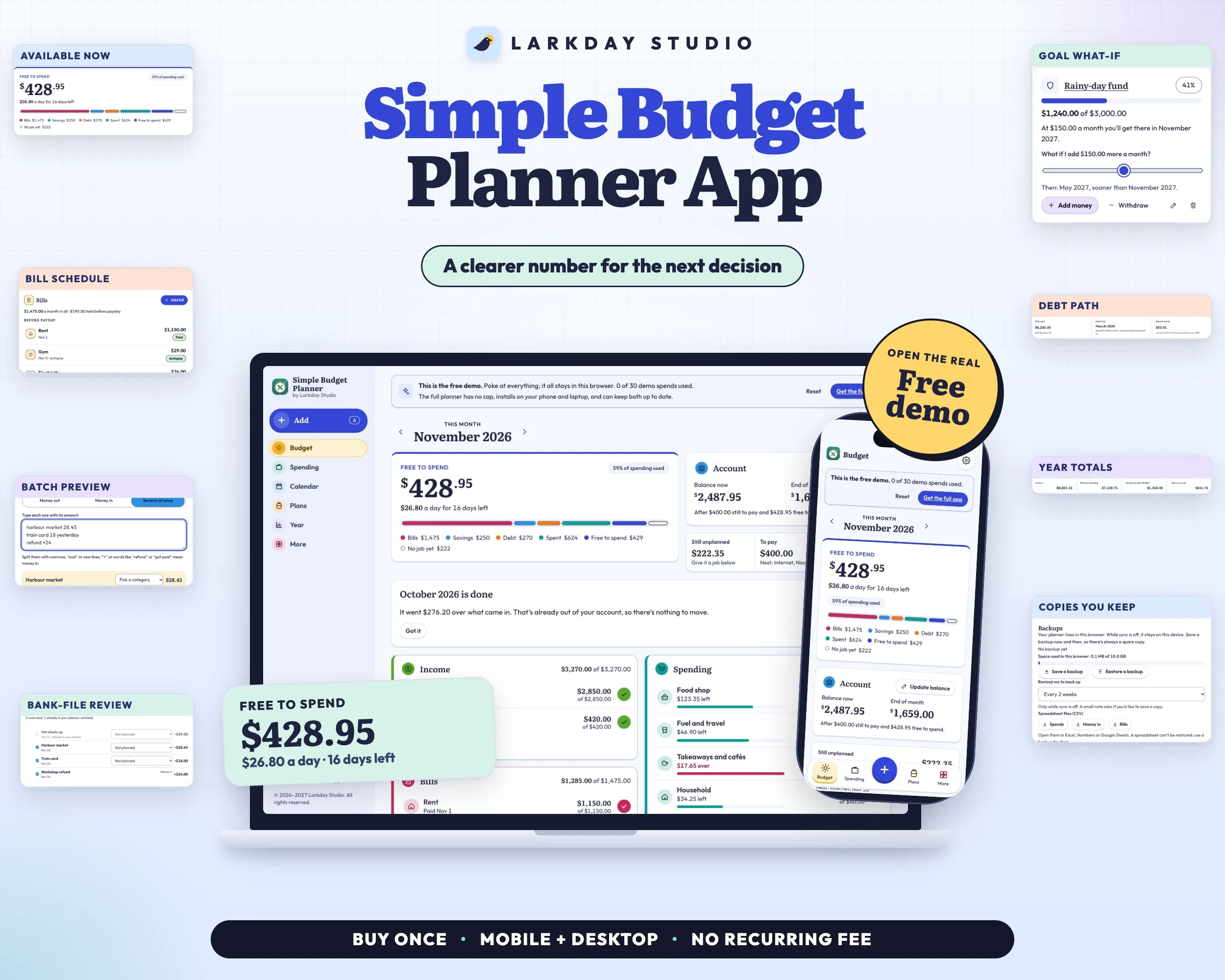
Plan a month or payday, enter spending quickly and see what is left without adding a bank account.
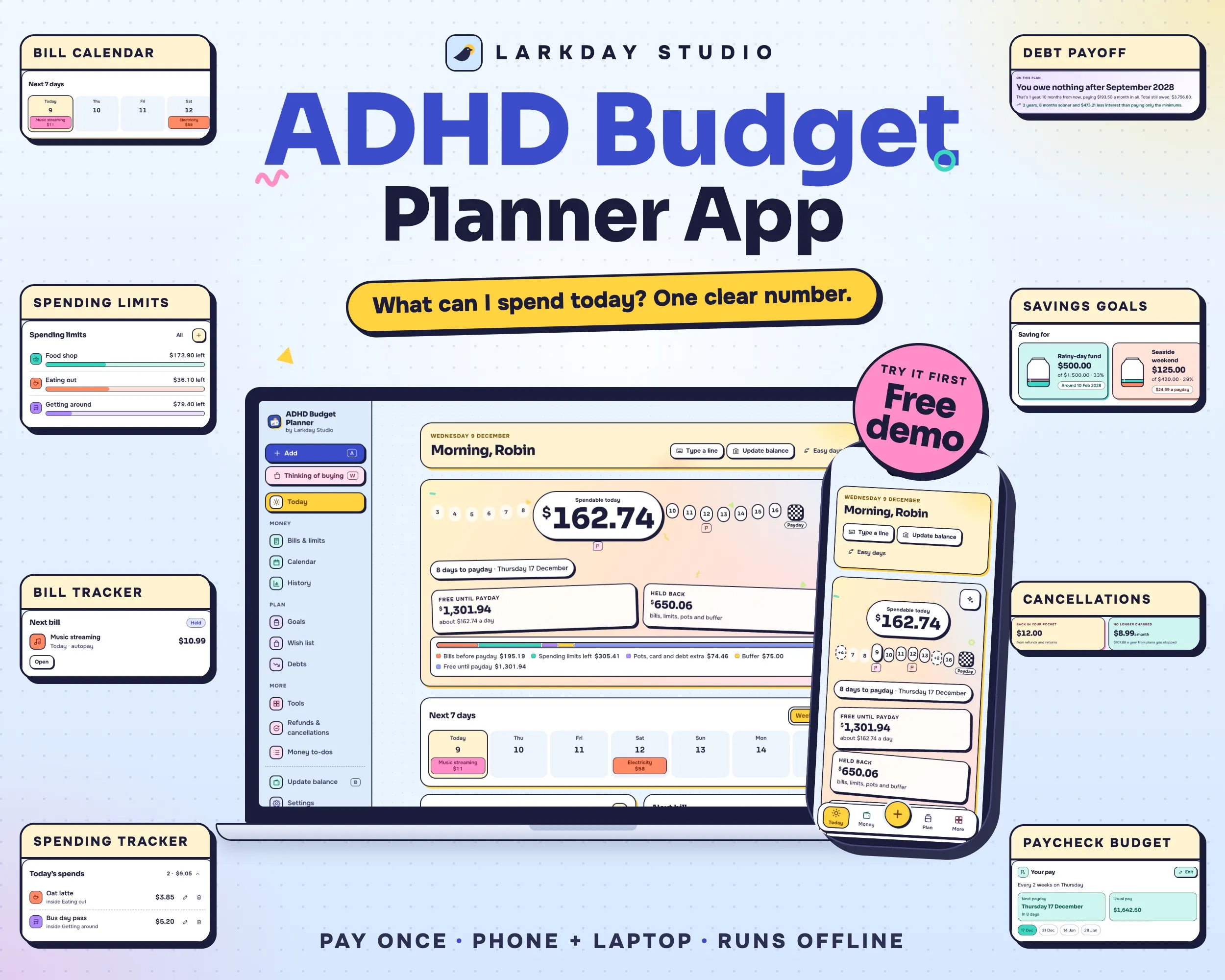
Enter your balance, bills and limits to see what you can safely spend today. No bank connection is needed.
You can use the demo before you pay. If you buy, Etsy gives you the files that contain your private planner link.
Read common questionsTry the actual planner on your phone or computer. Nothing needs to be installed first.
Pay once on Etsy. There is no monthly charge from Larkday Studio.
Use the private link in your download. Add it to your Home Screen if you want quick access.
Your planner works in the browser. These are the parts worth knowing before you use it.
If you turn on sync, your device encrypts the planner data before sending it. The server cannot read it.
Open the planner once, then you can use it offline.
No planner account and no bank login.
Use current Safari, Chrome or Edge on iPhone, iPad, Android, Mac, Windows and Chromebook.
I build each planner to make everyday planning easier to see and manage. Missing a day should not make the planner harder to use.
You can try any demo before buying. If you still have a question, send me a message through Etsy.
Message the studioNo. It is a planner web app you use in a current browser. Your Etsy download includes your private link, setup help and licence.
No. You pay once for the planner you choose. Larkday Studio does not charge a subscription.
Yes, after the planner has been opened once and prepared by your browser. Initial setup and optional syncing need a connection.
Your planner data stays in the browser on your device. Optional device sync is encrypted before the data leaves your device.
Yes. Every planner has a free live demo with sample data so you can use the actual interface first.
The demos are free and do not need an account.